
Sign up
Go to app.coachd.golf and tap Start free. Add your name, your business name, your email and a password, then tick to agree to the terms.
No card is needed. You start on Coachd Free: your diary, booking page and players’ app, plus 3 lesson notes to try on your own lessons. Then book a free setup call from Home and we’ll show you round.
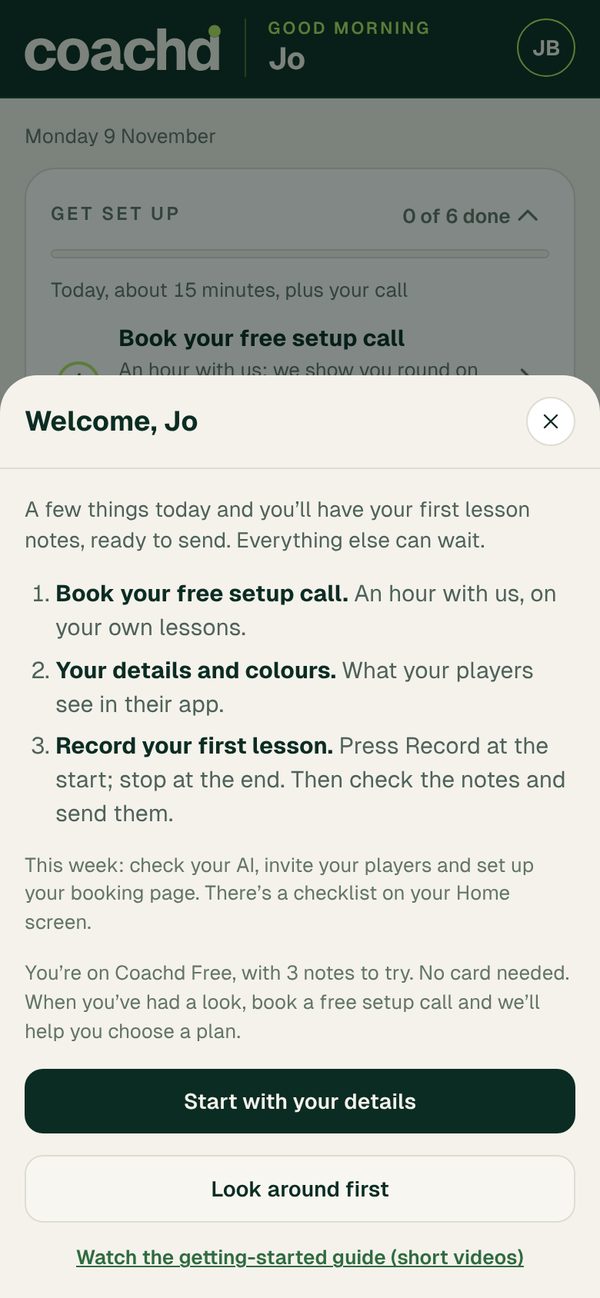
Your welcome and checklist
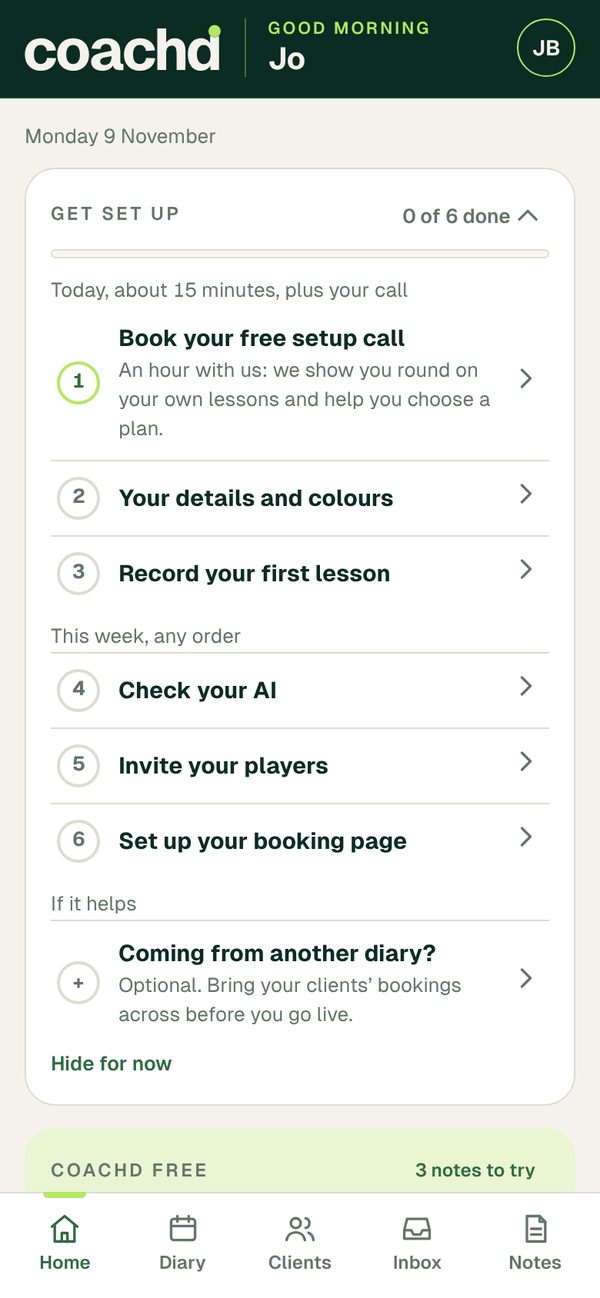
The first time you open Coachd it shows you the three things to do today. After that, your Home screen keeps a Get set up checklist that ticks itself off as you go.
Today: book your free setup call, add your details, then record a lesson. This week, in any order: check your AI, invite your players and set up your booking page.
Your details and colours
Tap Your details and colours. Add your logo, pick your colours (or tap From my logo), and fill in your title, contact details, booking link and prices.
Your players see these in their app, on their lesson notes and when your AI talks to them. The preview shows exactly how it will look.
Before your first recording
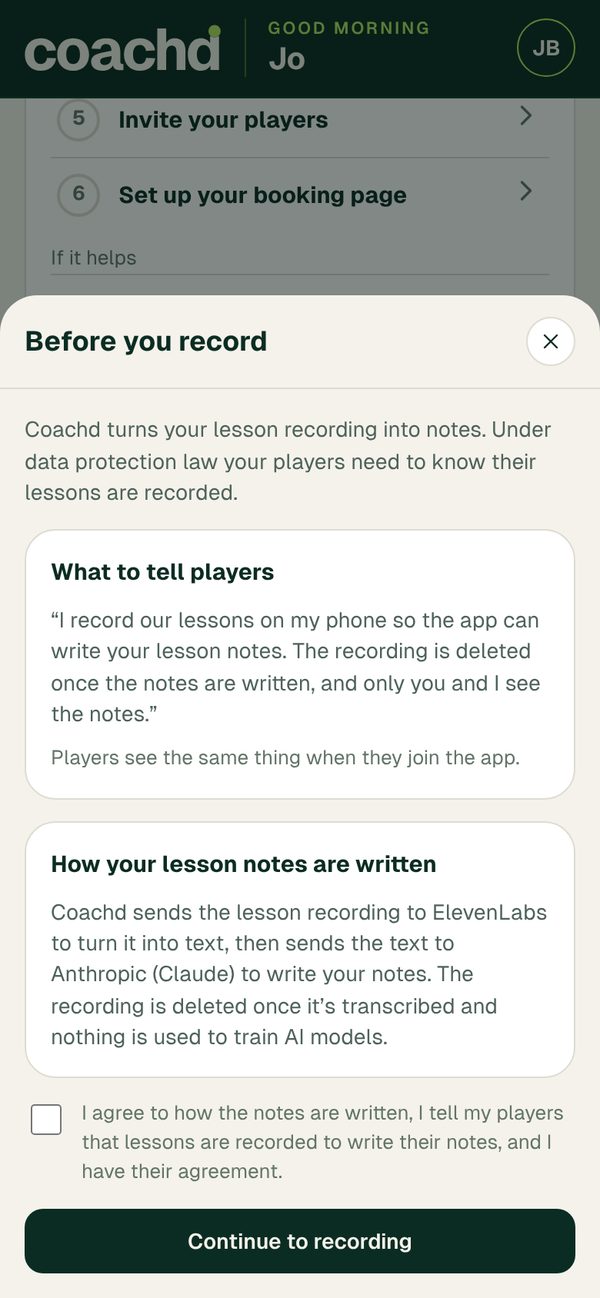
The first time you press Record, Coachd reminds you that your players need to know their lessons are recorded. It gives you the words to use, and you tick to confirm.
The recording is only used to write the notes and is deleted once they’re written. Your players see the same explanation when they join.
Record a lesson
Press Record at the start of the lesson. Pick your player, or type a new name if they’re not on the app yet. Then just coach.
Keep the phone where it can hear you both, screen up, with the app open. You can take photos and videos of your player during the lesson, or use Replay to show them each swing a few seconds after they hit it. The recording keeps going.
At the end, tap Stop and write the notes.
Check your notes
A few minutes after you stop, the notes appear under Ready to check on the Notes tab and on Home. They’re written in your voice, with drills and a practice plan.
Open them and change anything you like: type straight into any section, or ask the AI to change them for you ("make card 2 shorter"). Preview shows exactly what your player will see. Nothing is sent until you press Publish.
Publish and send
Press Publish. If your player is already on the app, the notes arrive straight away and they get a notification.
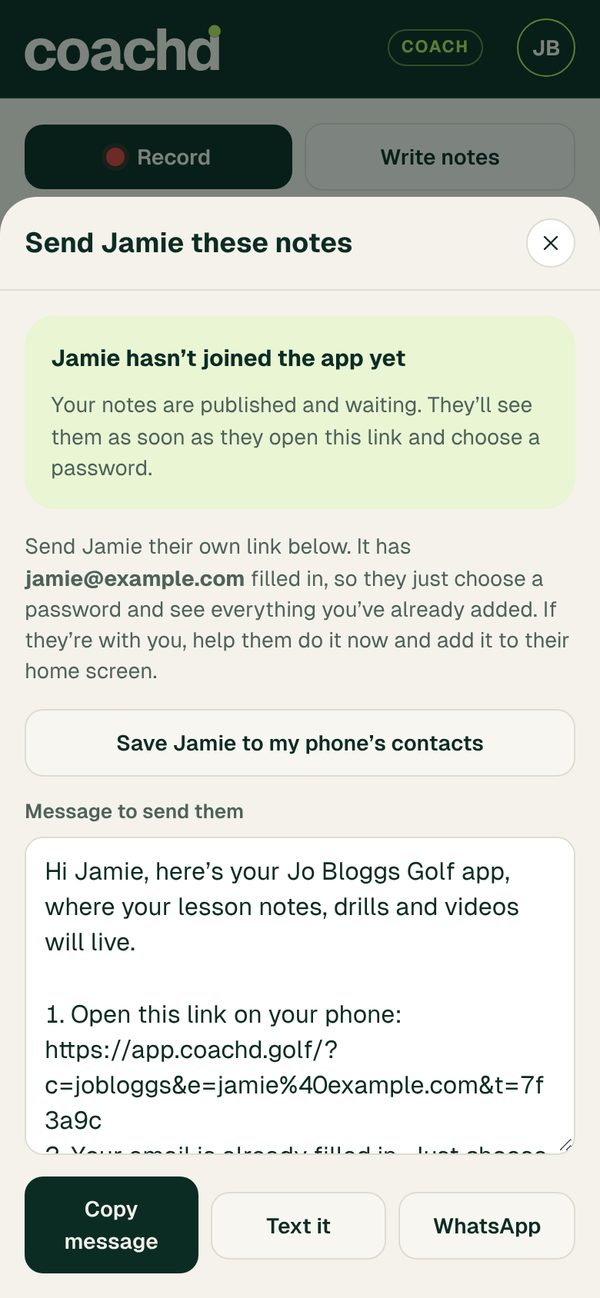
If they haven’t joined yet, Coachd opens their personal invite straight away. Copy the message, or send it by text or WhatsApp. Once they choose a password, your notes are waiting for them.
What your player sees
Your player gets your notes in their own app, in your colours: the focus of the lesson, what went well, each change with its drill, and the plan from here. They can download them as a PDF.
Their Home screen shows their focus points, their practice for the week and their next lesson, so the work carries on between lessons.
Invite the rest of your players
Tap Invite your players on Home, or Invite link on Clients. Share your link on WhatsApp, show the QR code on your phone in a lesson, print a poster for your bay, or add your whole client list in one go.
Players who join with your link are linked to you automatically.
Check your AI
Your players can ask your AI questions between lessons. It answers in your voice, using your guidance and their own lesson notes. Anything about pain, refunds or package changes is always passed to you.
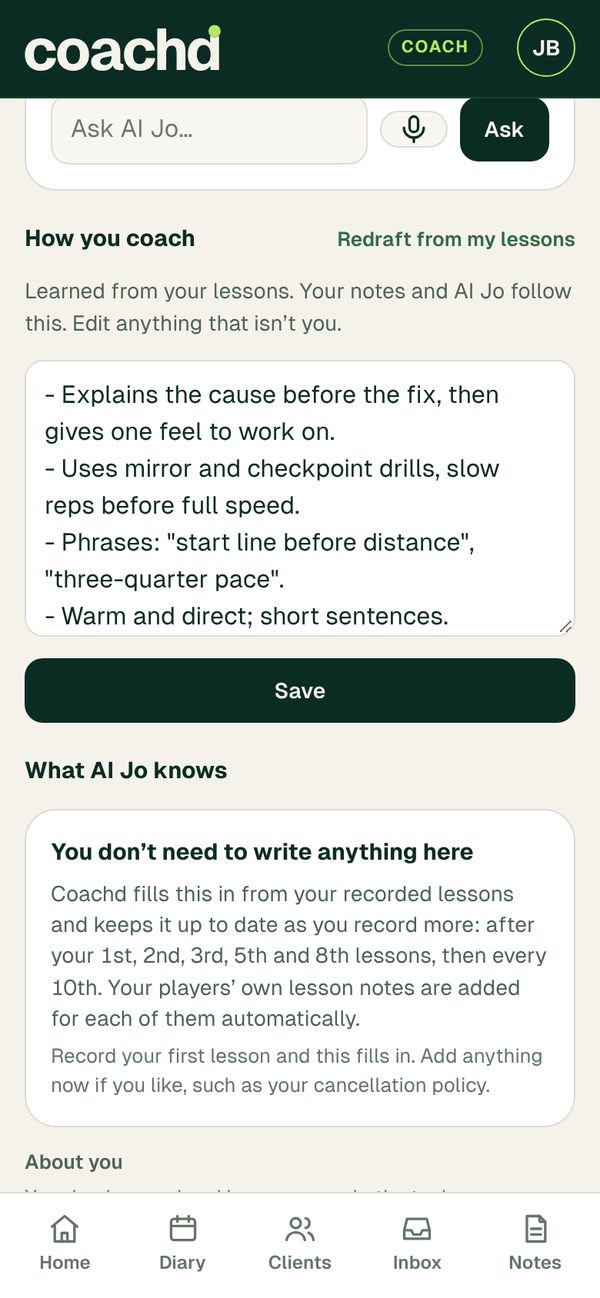
After your first recorded lesson, Coachd drafts How you coach from what you actually said. Read it, change anything that isn’t you, give your AI a name and save. Then fill in What it knows: your prices, cancellation policy and how you like practice done.
Need a hand?
Email [email protected] and a real person will help, usually the same day. If you’d like, we’ll set you up together on a short video call.